
Welkom in ons gedeelte voor professionals
Pro.duravit wordt ‘Professionals’ – het gedeelte voor onze B2B-partners. Als u bent ingelogd als Duravit Pro, vindt u hier alle relevante informatie voor ontwerp, verkoop en installatie, evenals verdere inzichten en nieuws over series en producten.

Snelle toegang voor professionals
Uw voordelen bij het inloggen
Met uw inloggegevens krijgt u exclusieve toegang tot prijslijsten, ons mediacentrum en verdere gedetailleerde informatie over producten en series. Daarnaast profiteert u van voordelen zoals de mogelijkheid om verschillende verlanglijstjes en planningslijsten aan te maken en deze op elk moment weer te raadplegen.
Log nu in of registreer u gratis om toegang te krijgen tot ons mediacentrum.

Adviesprijzen & catalogi

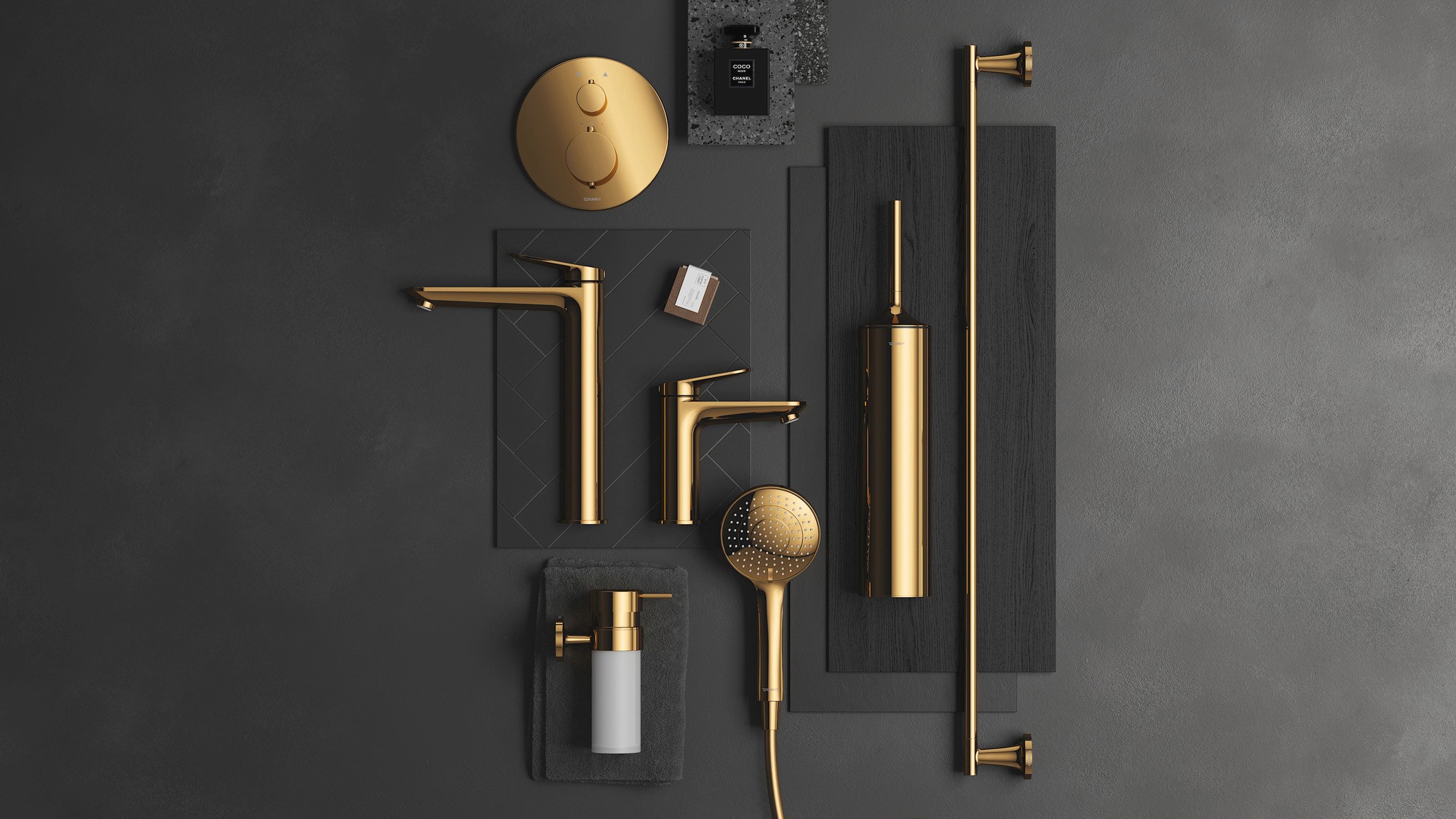
Planningsgegevens & downloads

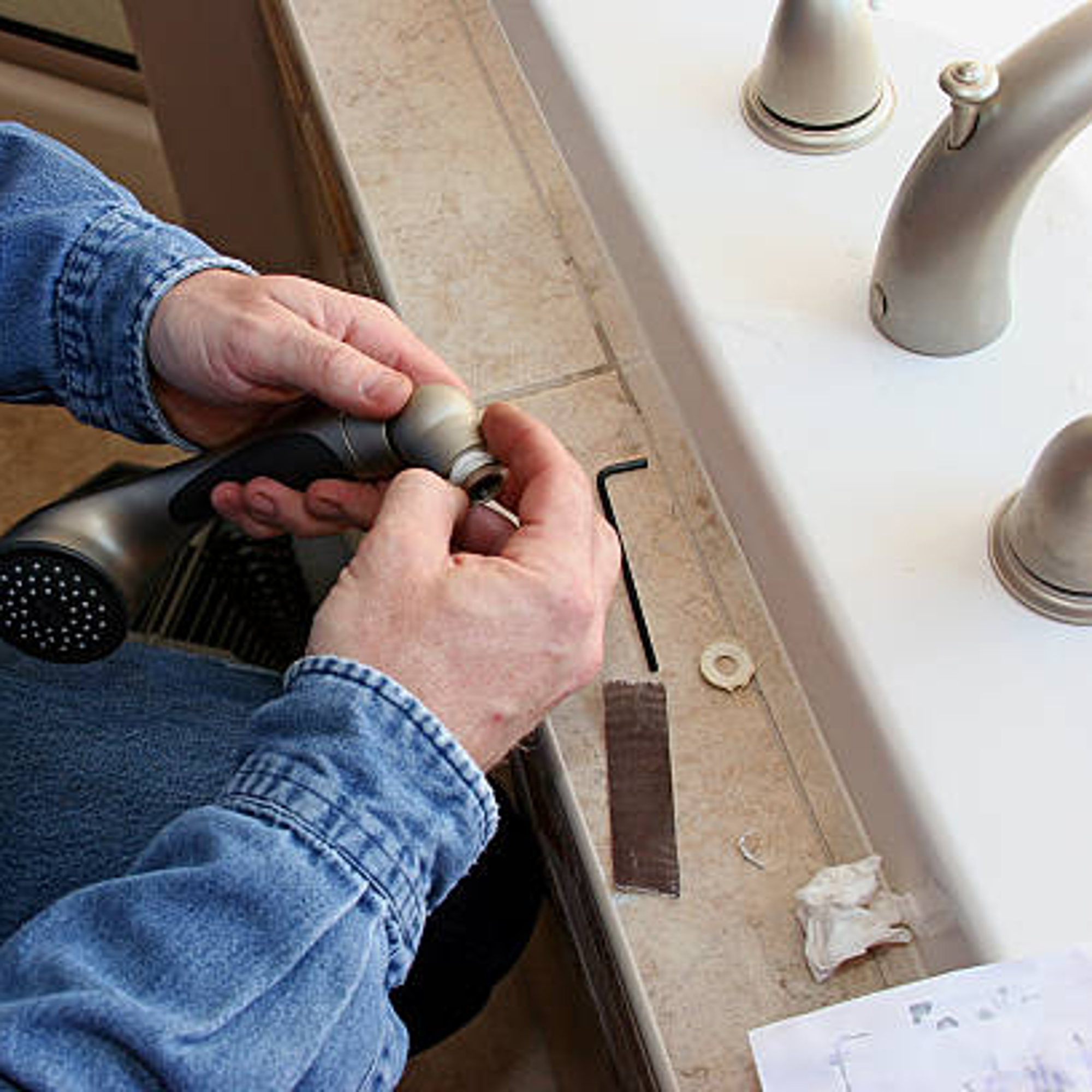
Zoeken naar reserveonderdelen


Mediacenter

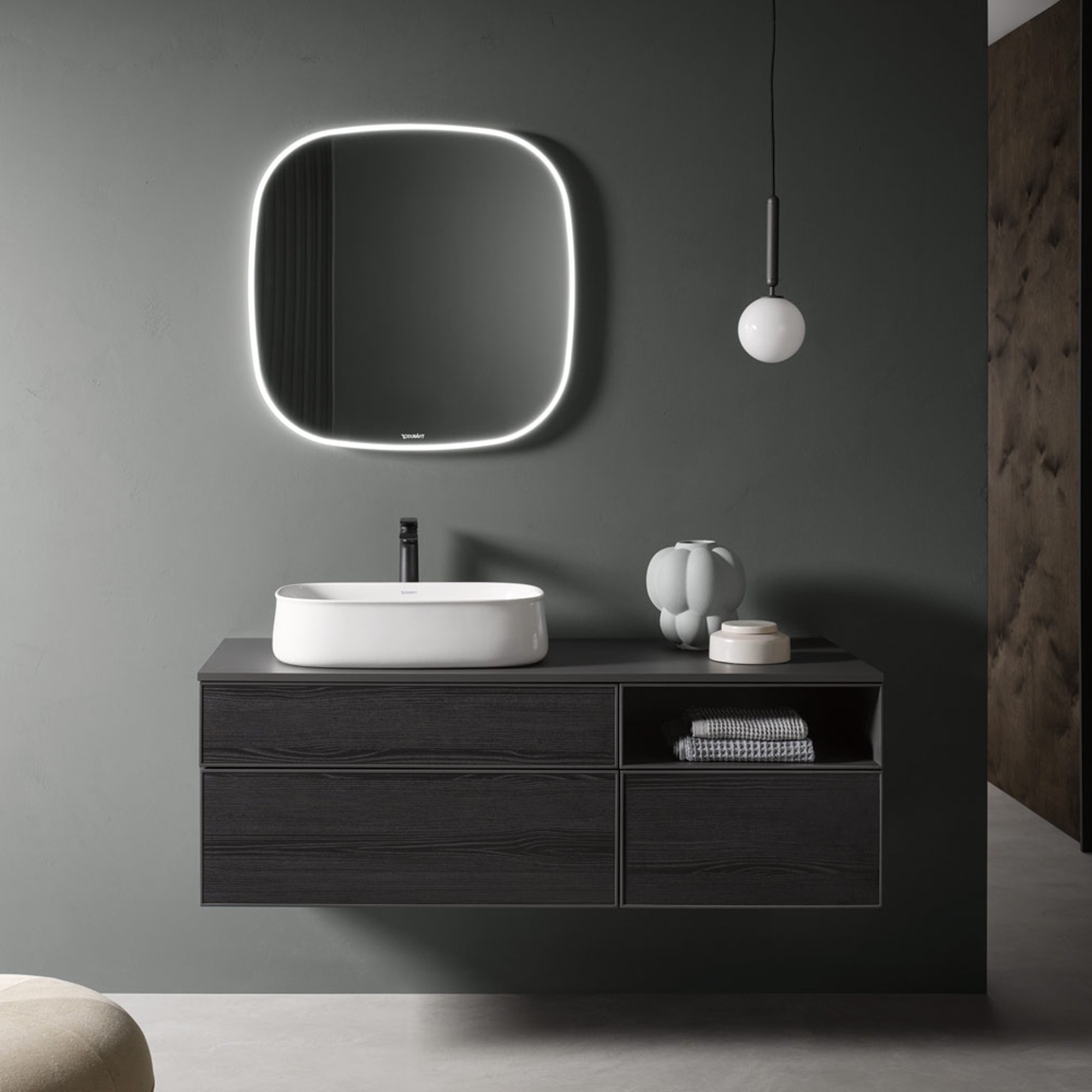
Monstermap

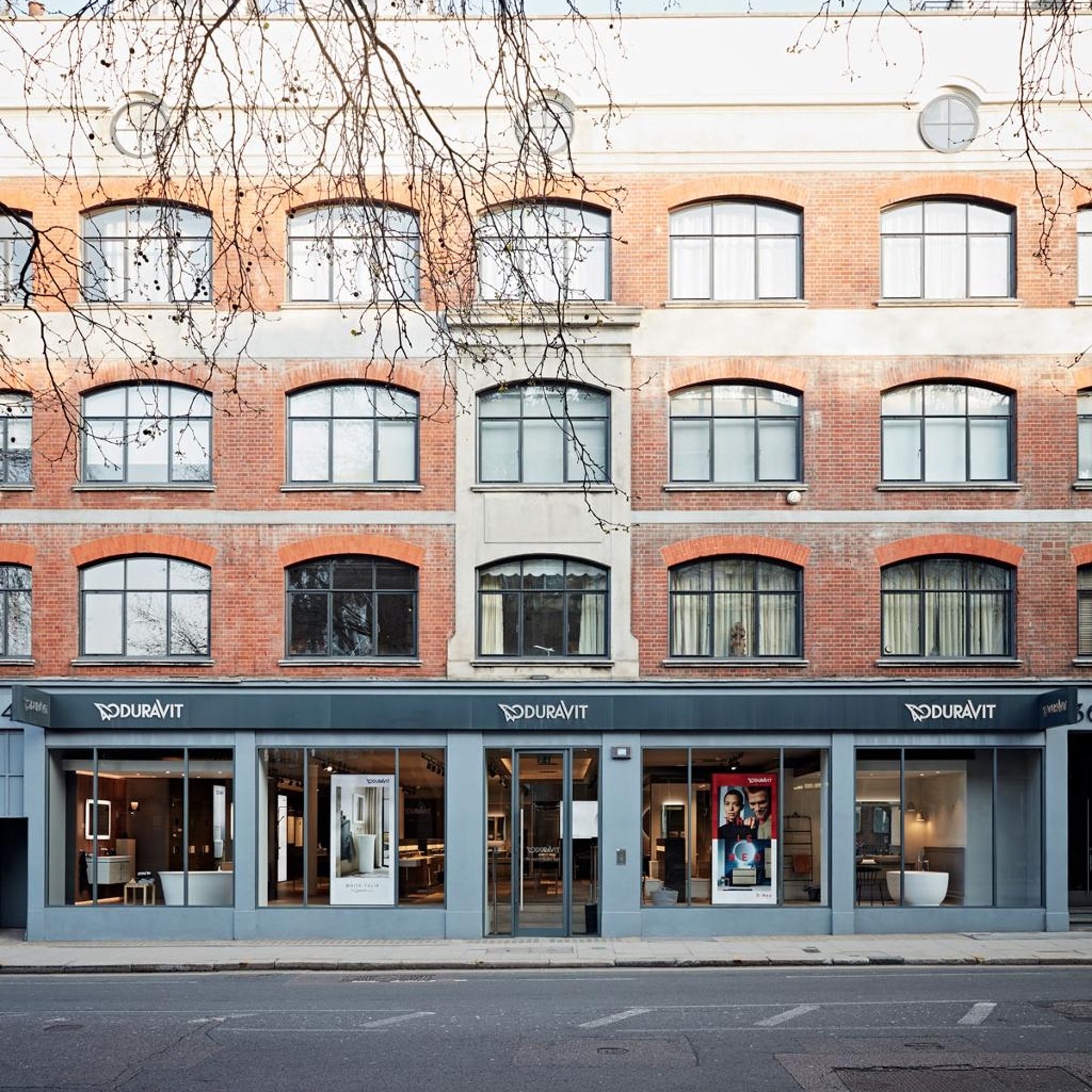
Showrooms & Referenties





Vragen en antwoorden
Waar vind ik prijslijsten?
U kunt onze prijslijsten bekijken onder ‘Catalogi & brochures’ nadat u bent ingelogd.
Biedt Duravit CAD- en 3D-gegevens aan?
Ja, CAD- en 3D-gegevens kunt u ook in hetdownloadcentrum downloaden.
Daarnaast bieden we BIM-gegevens aan via het platform BIMobject.
Waar vind ik montagevideo's?
Alle montagevideo's en andere videocontent vindt u gebundeld in onze videobibliotheek.
Voor wie is de Duravit Professionals-sectie bedoeld?
Deze rubriek is bedoeld voor alle B2B-klanten en -partners – van de detailhandel en ontwerpers tot installateurs die de producten inbouwen.
Wat is er veranderd door de overstap van pro.duravit.de naar duravit.com/professionals?
Het Professionals-gedeelte is nu volledig geïntegreerd in duravit.com – met een nieuw ontwerp, verbeterde bediening en snellere toegang tot alle relevante inhoud. Als u bent ingelogd als Duravit Pro, profiteert u op één centrale plek van alle vertrouwde voordelen.
Moet ik inloggen om meer te zien?
Ja, want alleen als u bent ingelogd krijgt u onder andere toegang tot catalogusprijzen, het mediacenter en andere gedetailleerde informatie, evenals de handige notitieblokfuncties.
Bij wie kan ik terecht met technische vragen?
Onze customer service helpt u graag verder:
info@nl.duravit.com
+31 (0) 73 61 39 70
Nieuws